
You opened one tab to check orders. Now you are herding windows, re-authenticating three profiles, and wondering when your browser became an obstacle course. Facepalm.
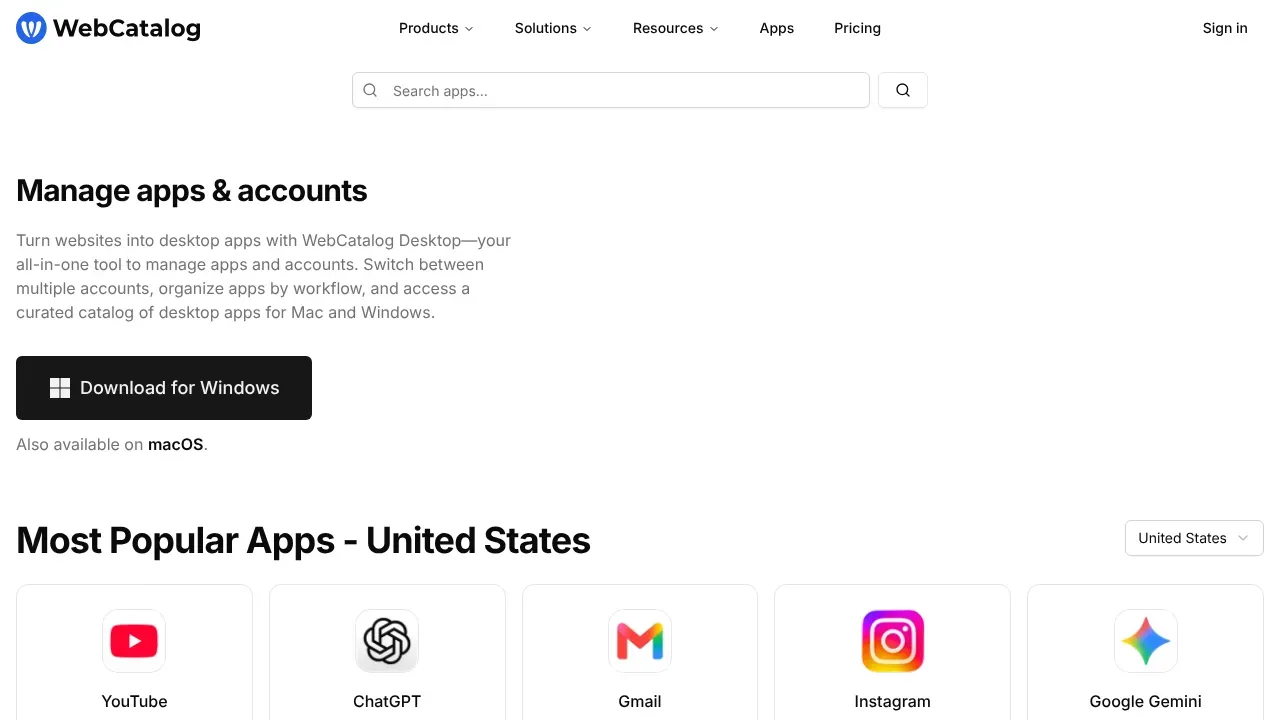
WebCatalog Desktop turns the web apps you rely on into tidy desktop apps with their own windows, icons, and isolated logins. No more tab roulette or accidental logouts when switching accounts. Just click, focus, ship.
Pick from a curated catalog or make your own app from any URL. Organize apps by workflow like Sales, Ops, or Content, so the right stack is always one click away. Each app keeps separate cookies and sessions, which means you can run multiple Gmail, Shopify, or Slack accounts side by side without collisions.
It runs on macOS and Windows, plays nicely with native notifications, and gives you fast, app-like access to tools like ChatGPT, WhatsApp, YouTube, Instagram, Google Drive, Google Docs, and Gmail. Fewer context switches, less login hopping, and a cleaner desk for your brain.
For online business owners and teams, this means faster onboarding with prebuilt app sets, clearer focus during launch weeks, and fewer costly micro-delays in customer support, content production, and analytics checks.
Turn your messy browser into a purpose-built command center. Keep accounts clean, workflows grouped, and time on task instead of lost in tabs.
Turn chaotic tabs into clean, click-and-go desktop apps that keep your business moving.
Use cases:
- Run multiple Shopify, Gmail, or Facebook ad accounts in parallel without cross-login issues
- Create a Sales space with CRM, email, calendar, and call tools ready in one click
- Spin up a Support hub with Zendesk, Slack, and Statuspage isolated for focus
- Keep creator tools like YouTube Studio, Canva, and Notion separate from ops apps
- Onboard new hires fast with a prebuilt stack of desktop web apps and accounts
- Protect focus during launches by parking distracting tabs outside your workflow spaces