 Selljam.ai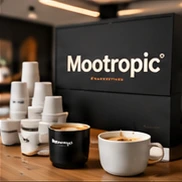






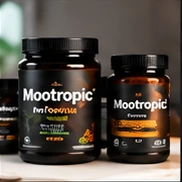


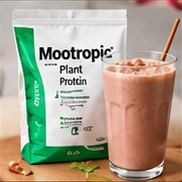


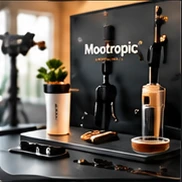
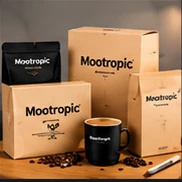


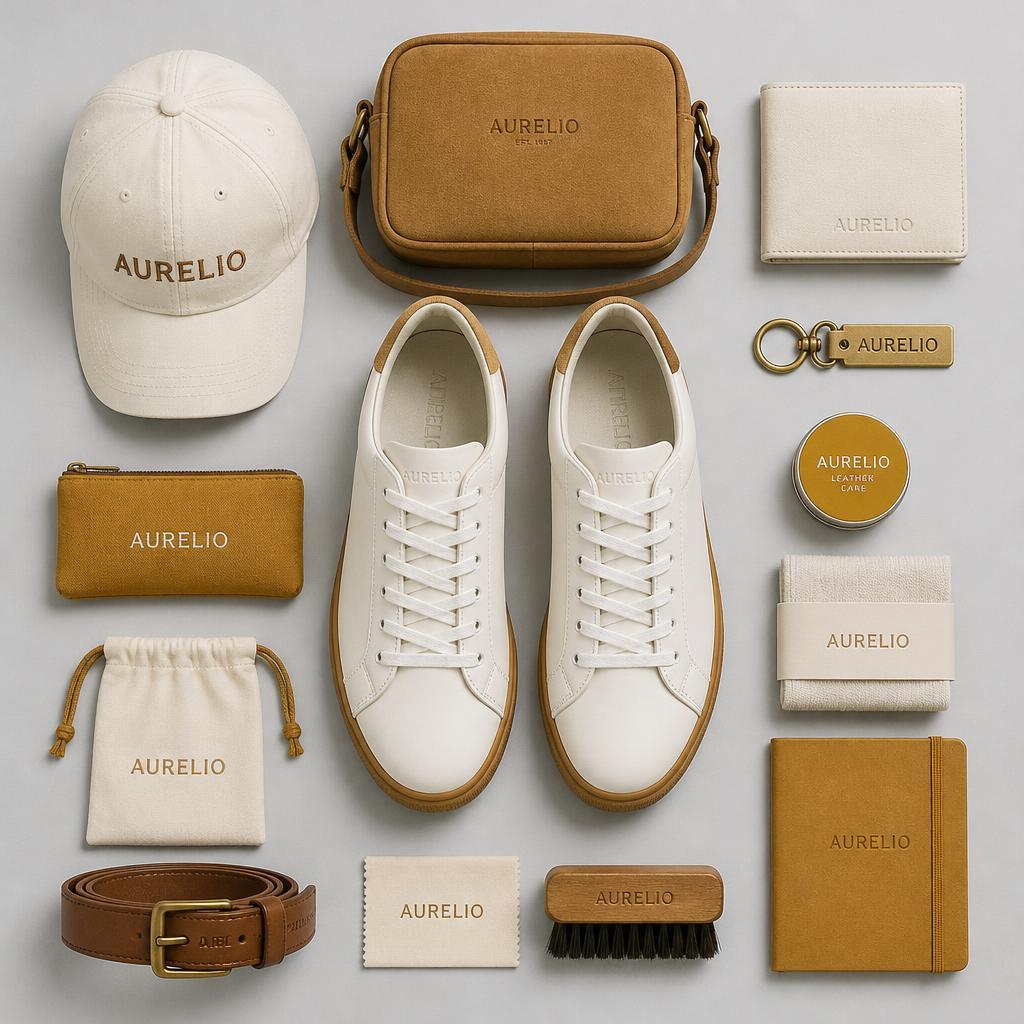
Fashion Accessories Flat Lay
Top-down flat lays for accessory and fashion product images.
Use one AI marketing tool to create and manage social posts, articles, email campaigns and sales pages for your business.
Running your business takes up your time. Finding ideas worth sharing, creating content, and publishing across channels can feel like another full-time job.

Start with an idea, image or URL, then turn it into a post or article to share across your connected profiles.
Start with an idea, topic, image, link, or question. Get research and a suggested outline before the draft is generated.
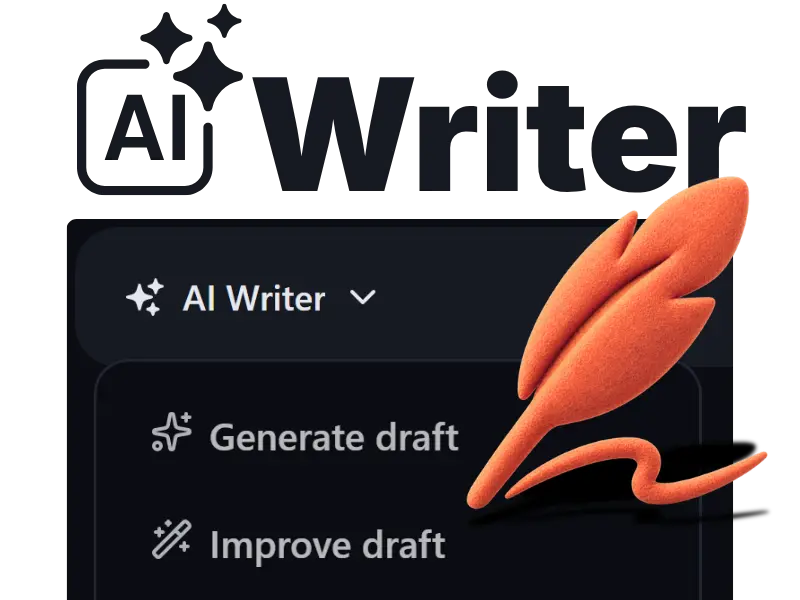
The AI Writer uses your brand to write in your voice, giving you an on-brand draft that reads like a human wrote it.
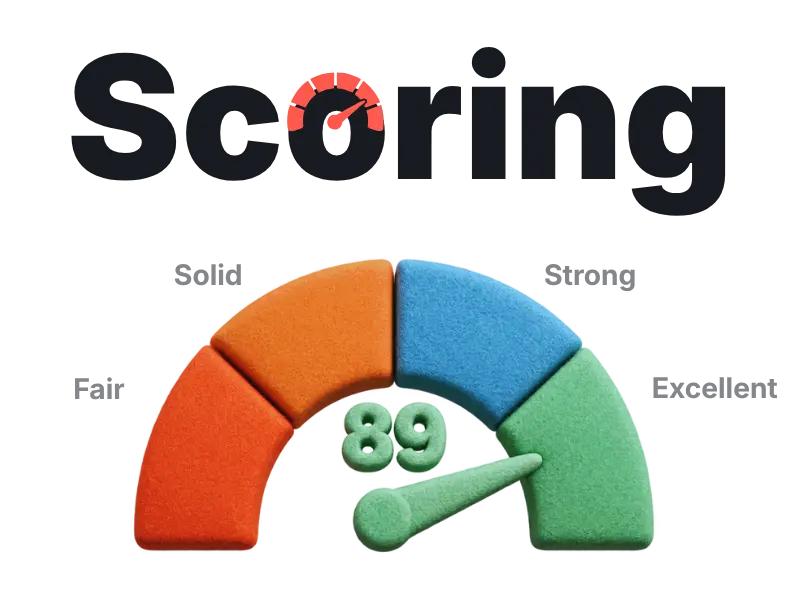
Score your draft and get suggestions based on intent, structure, authority, clarity and visibility.
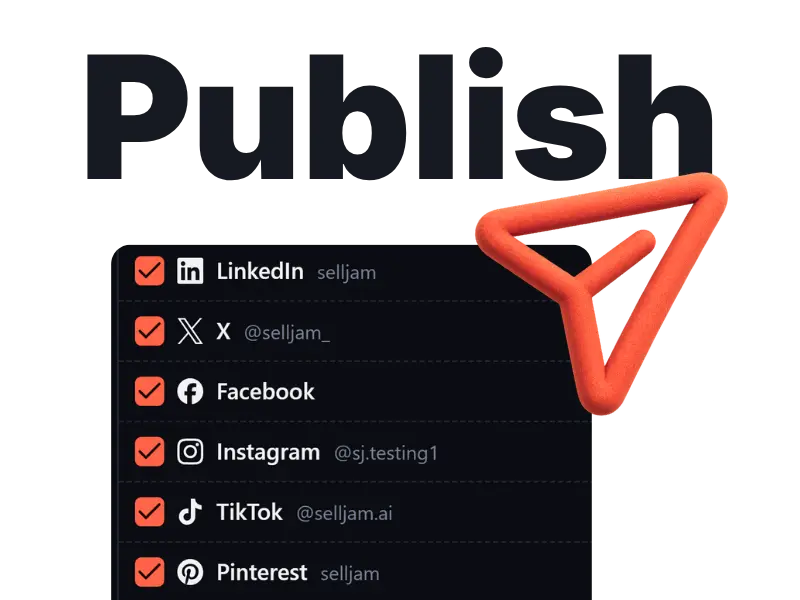
Schedule or instantly publish to all your connected platforms at once, at the click of a button.
Share your website once. In 30–60 seconds, your Brand Guide is ready to consistently shape the voice and style of your content.
Your Brand Guide keeps these details ready for every piece of content, so you never have to repeat yourself.

Create images and brand assets for products, posts, articles and more. Studio templates help you create professional photos in a style that fits your brand.
Top-down flat lays for accessory and fashion product images.

Cinematic outdoor portraits for menswear and outerwear brands.
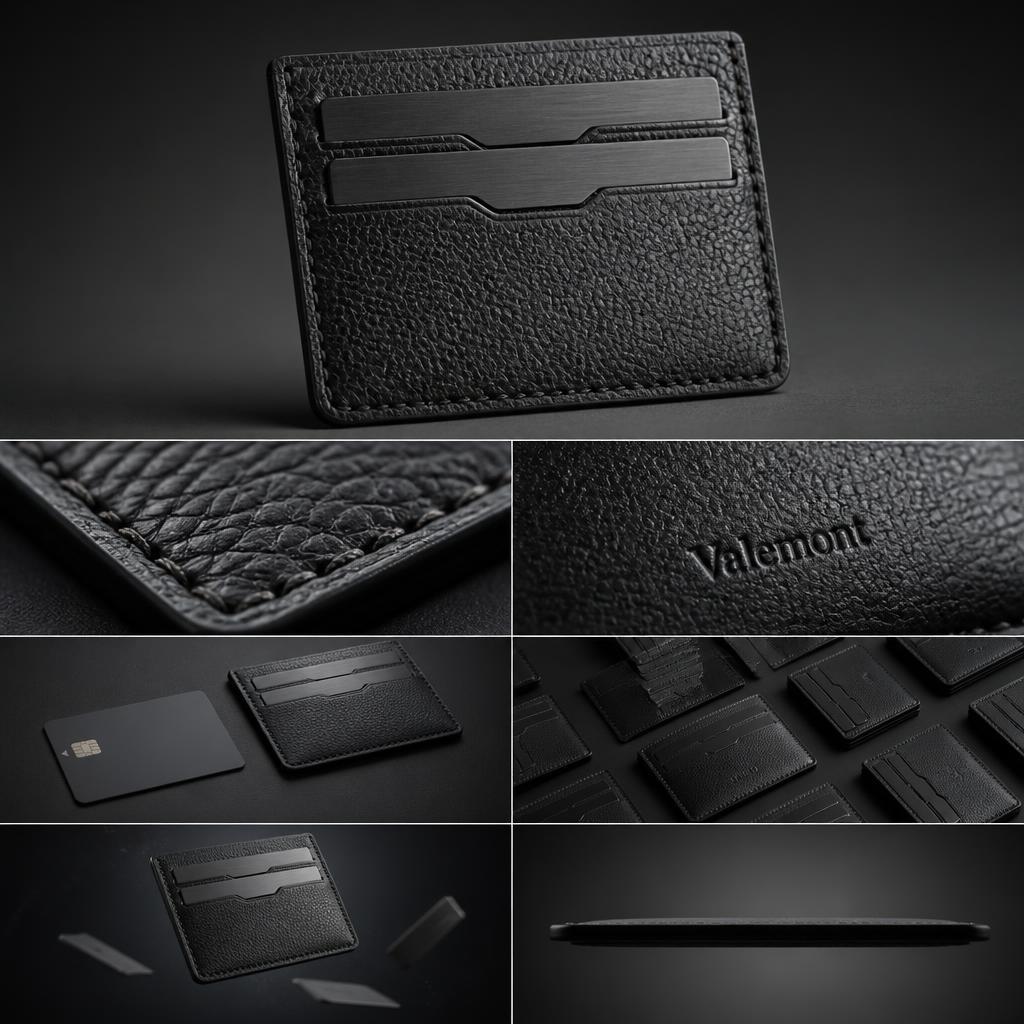
Multi-panel studio layouts for leather goods and accessory listings.
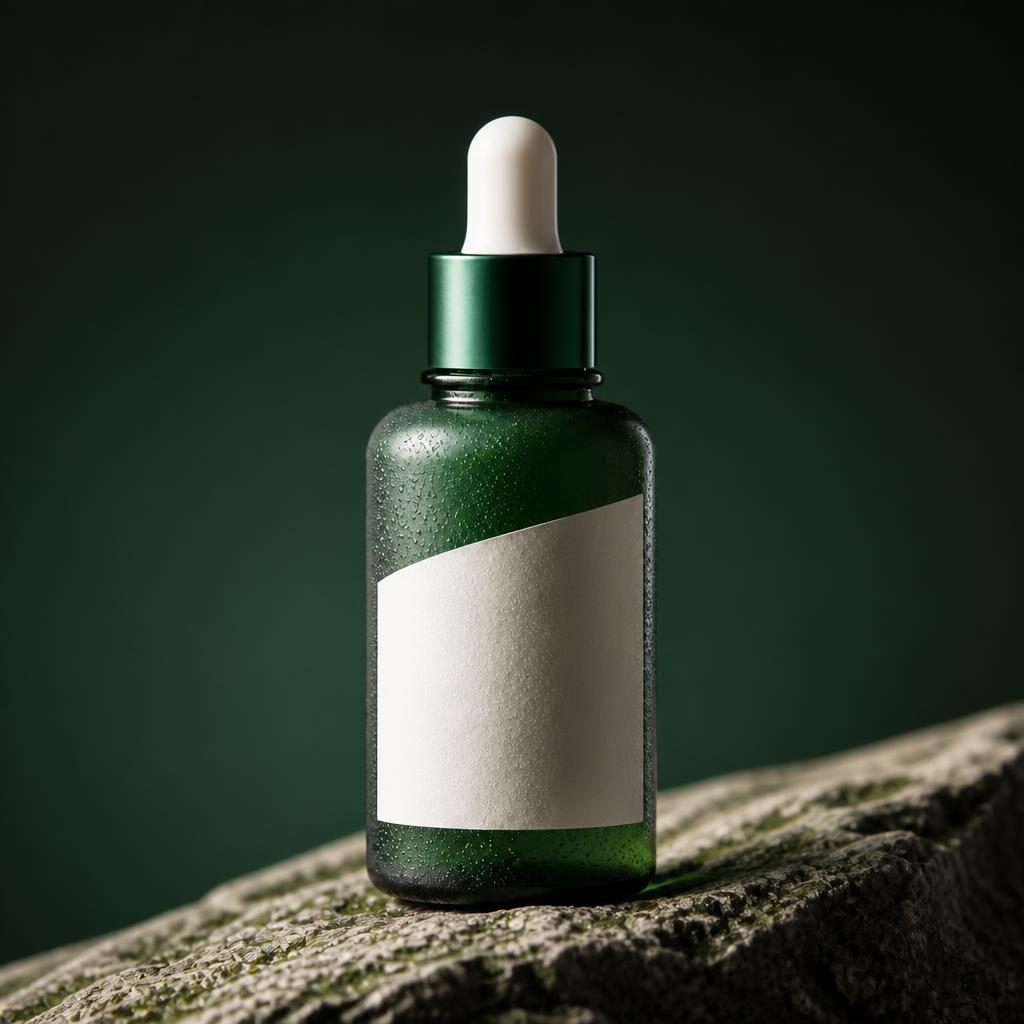
Moody bottle shots for skincare and body care products.
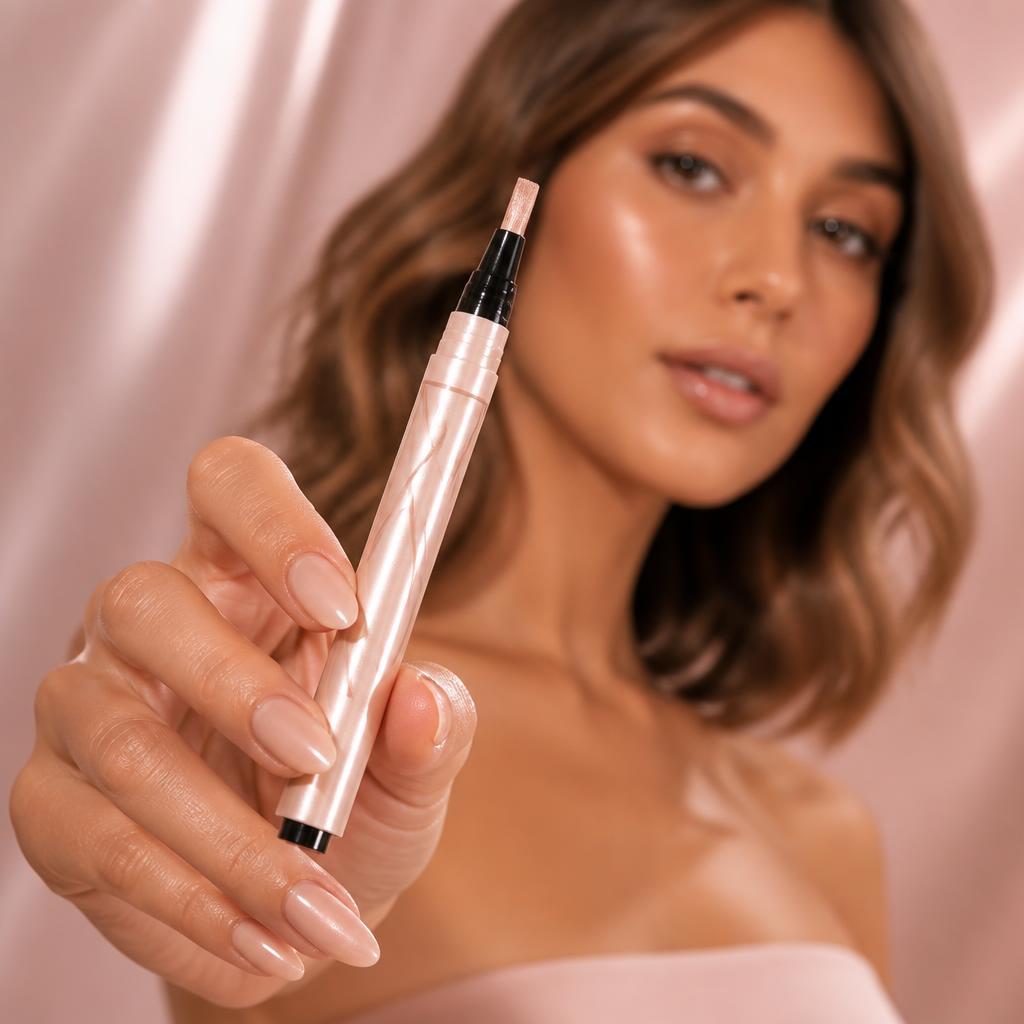
Soft editorial product photos for beauty and makeup brands.
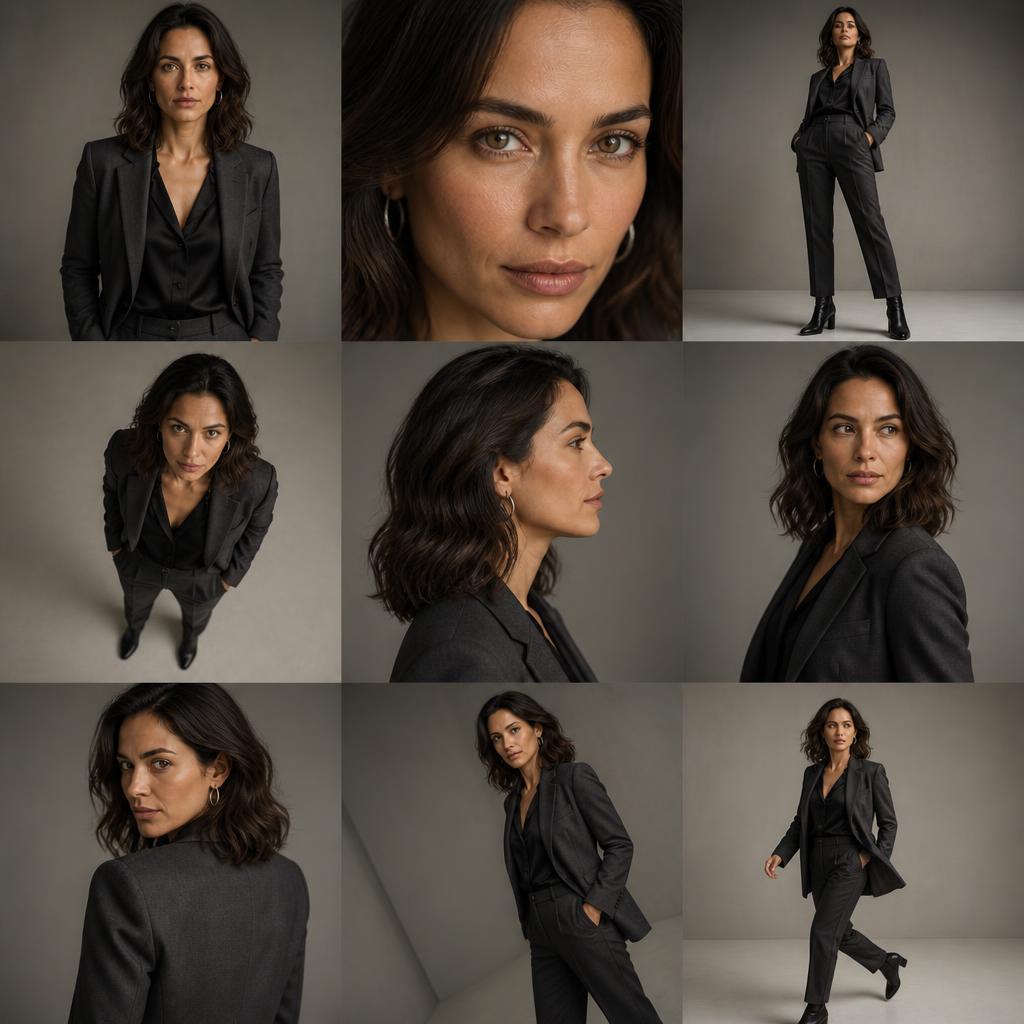
Consistent pose grids for model and lookbook photos.
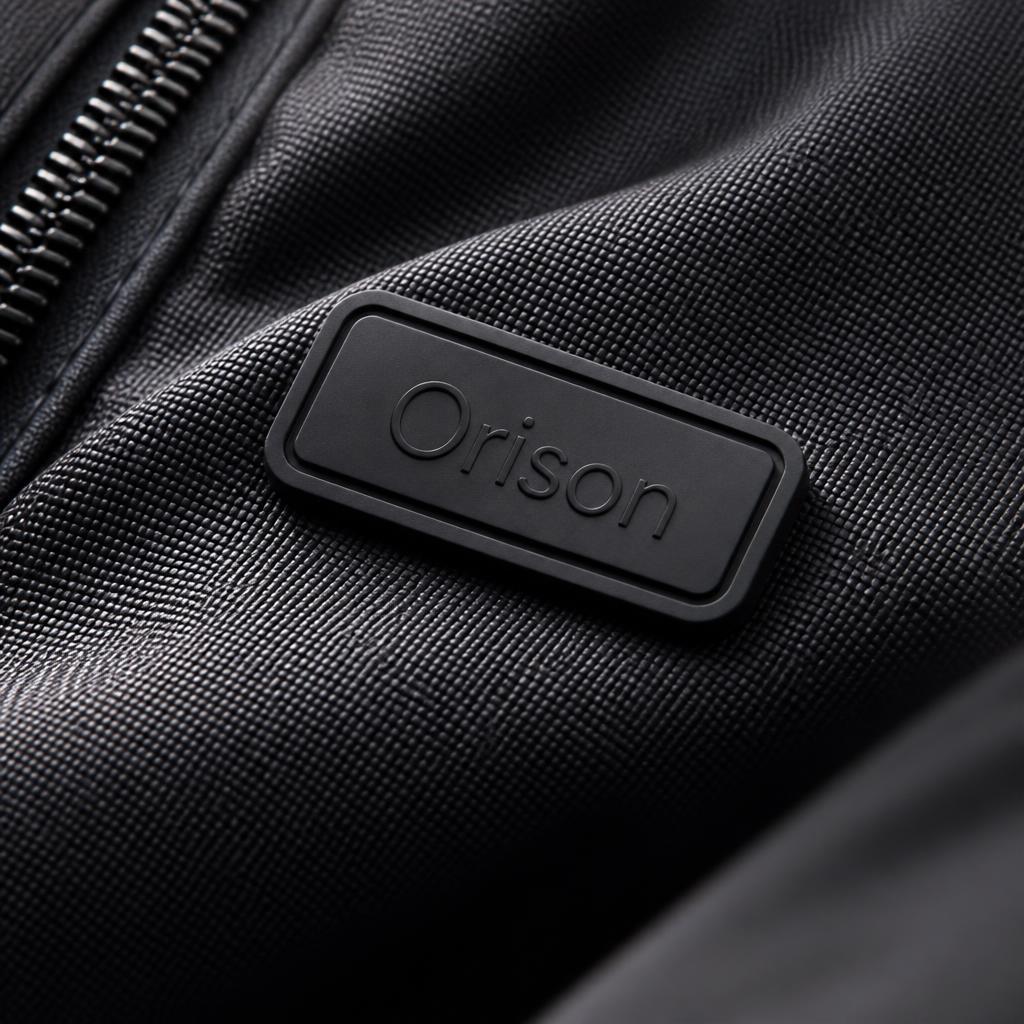
Macro textures for clothing, textile and fabric product images.
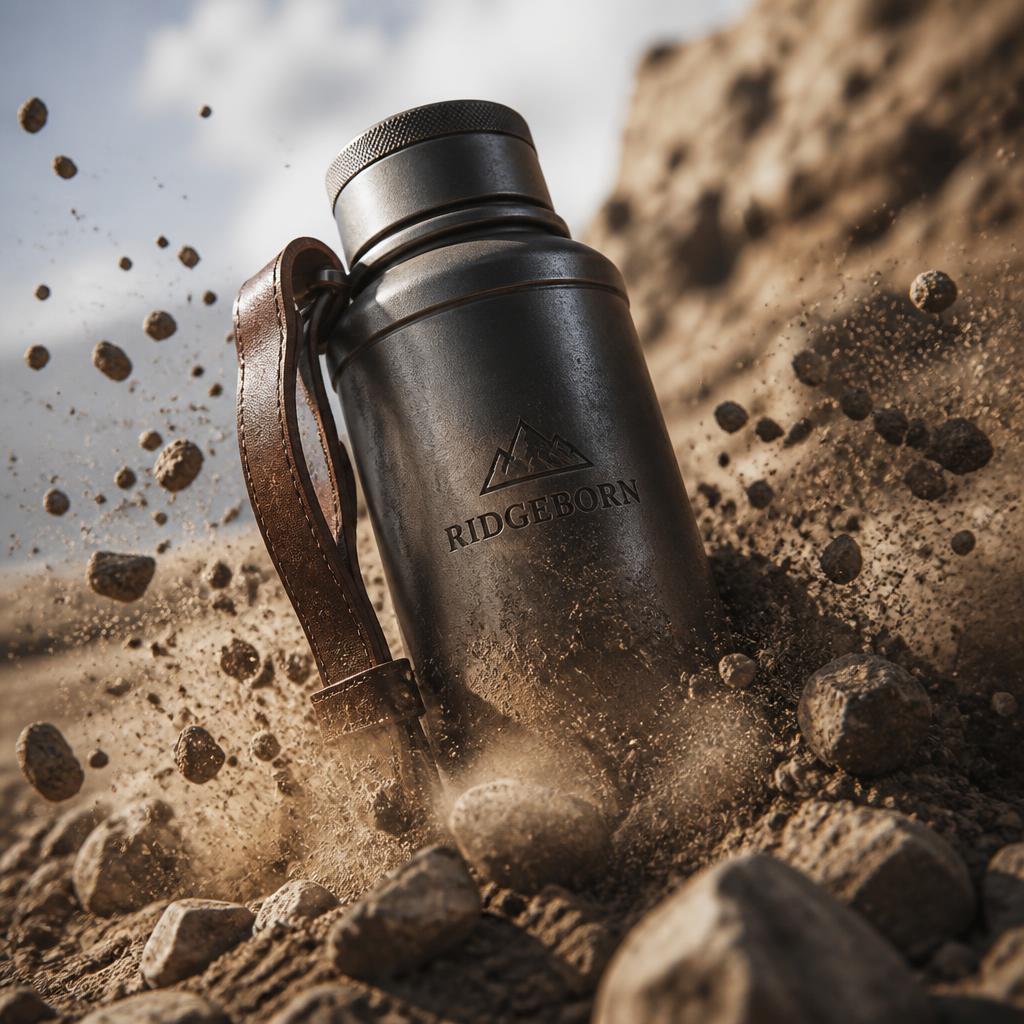
Bold hero shots for outdoor gear and accessory product pages.
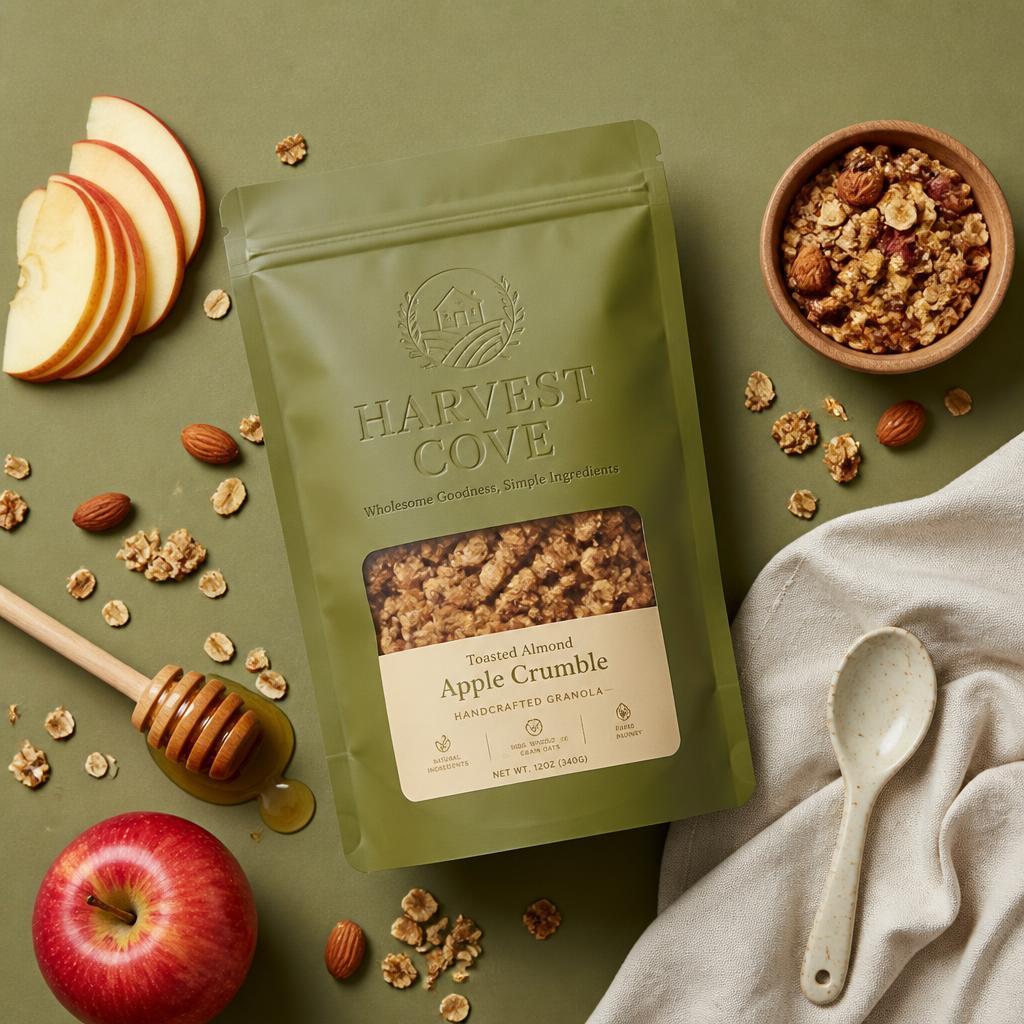
Clean editorial shots for packaged food and grocery products.

Warm lifestyle scenes for jars, spreads and natural food brands.
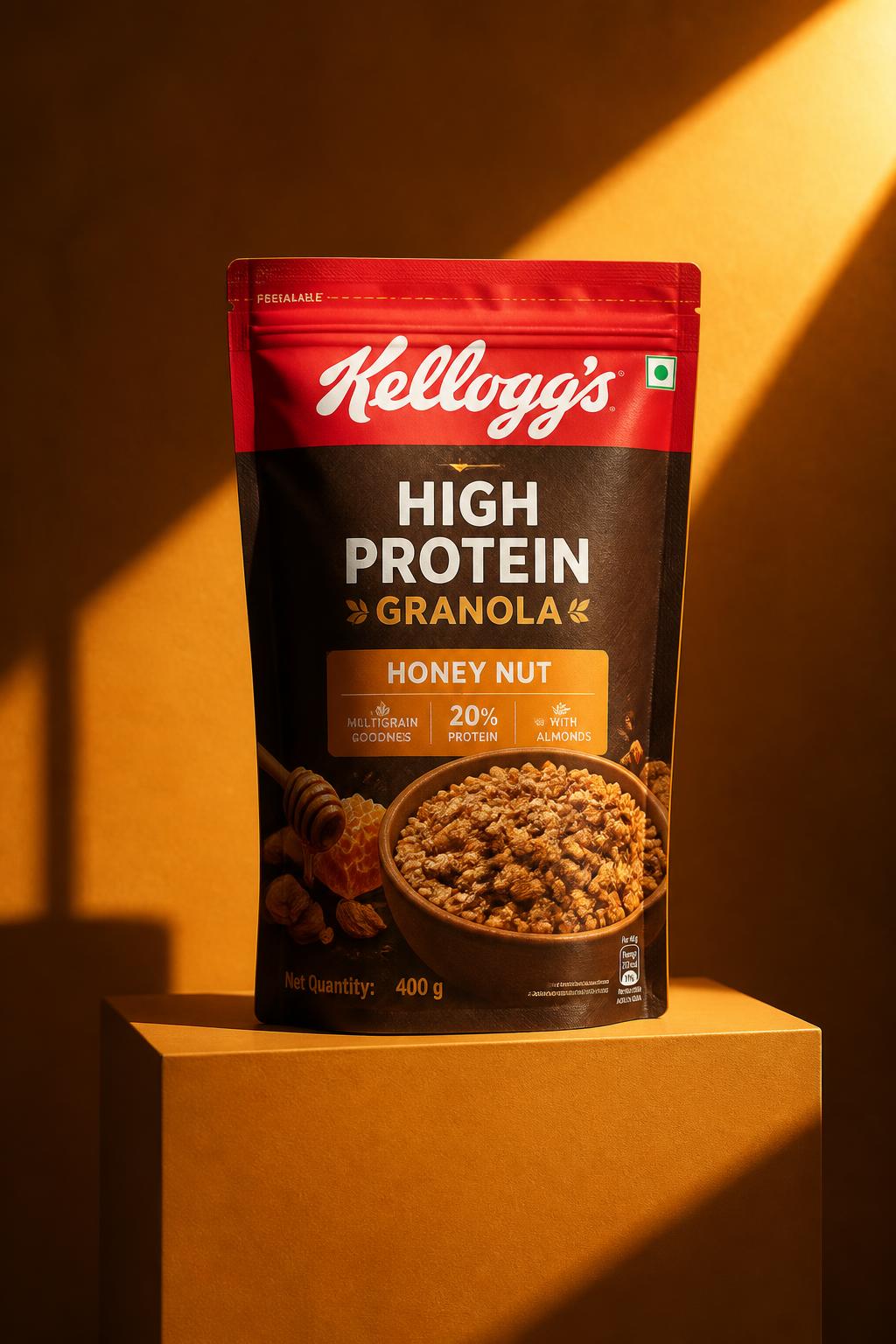
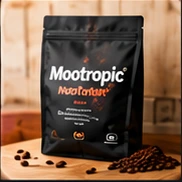
Styled ad scenes for pouches, cereals and breakfast packaging.
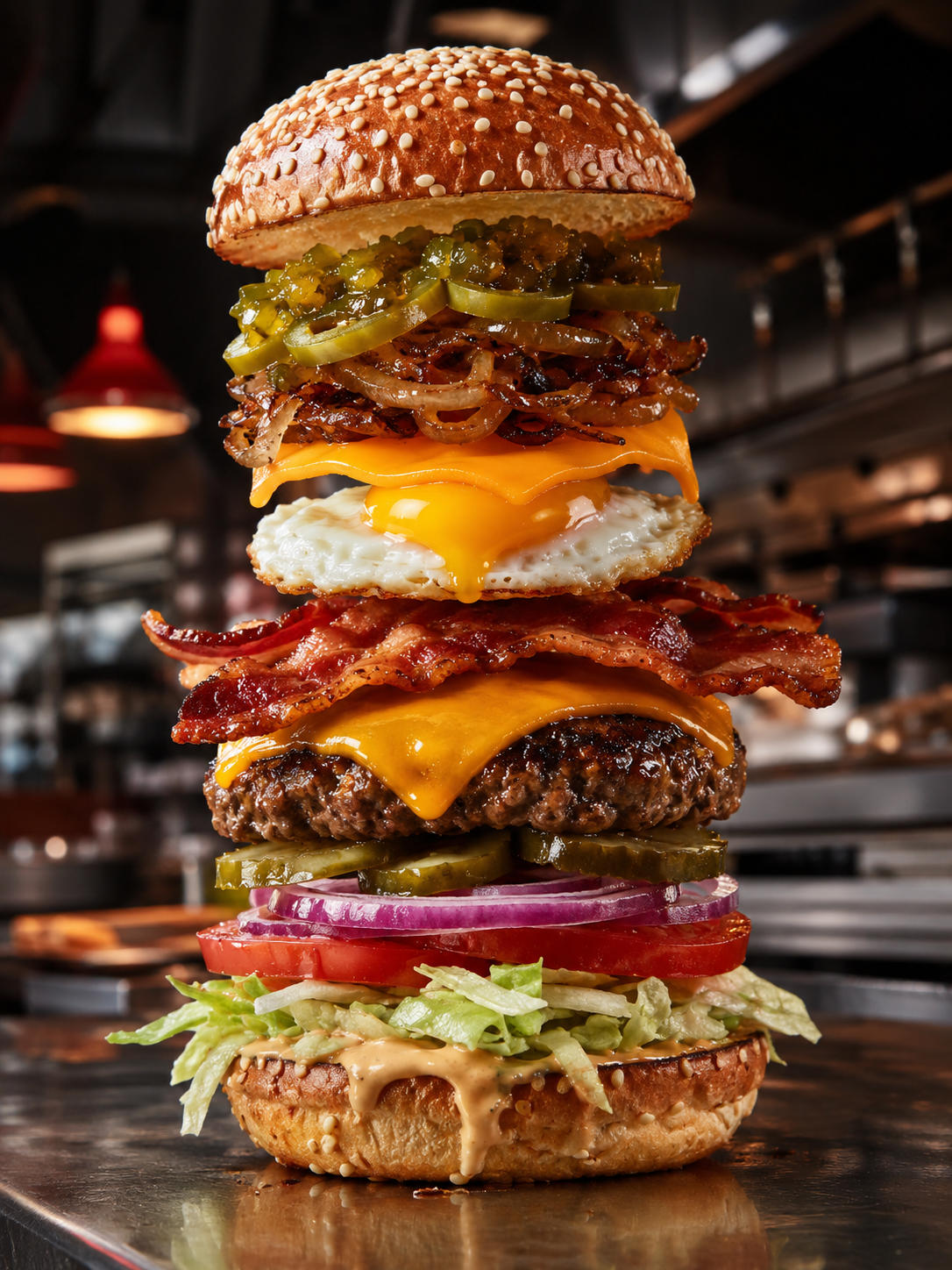
Layered food ingredients floating for food and restaurant images.
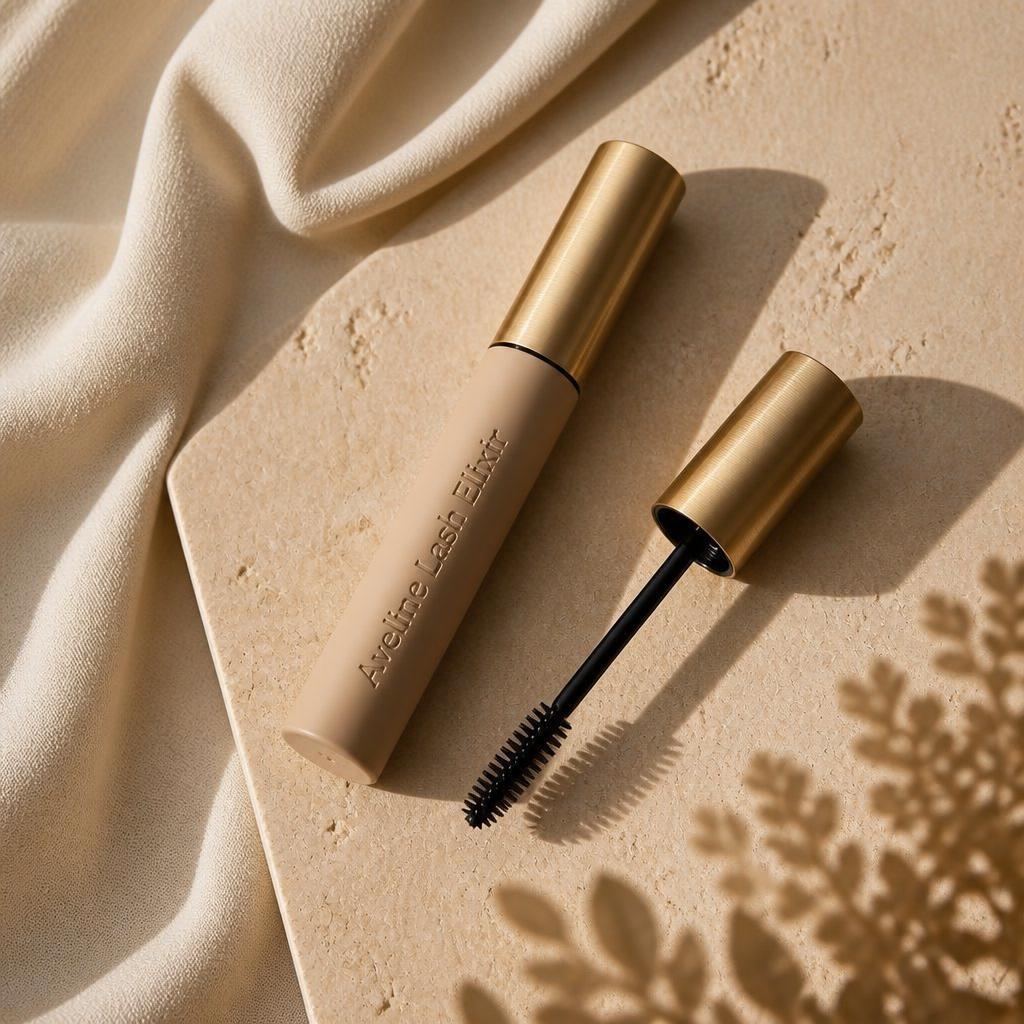
Minimal editorial campaigns for mascara and makeup products.

Bold editorial studio shots for streetwear and apparel.
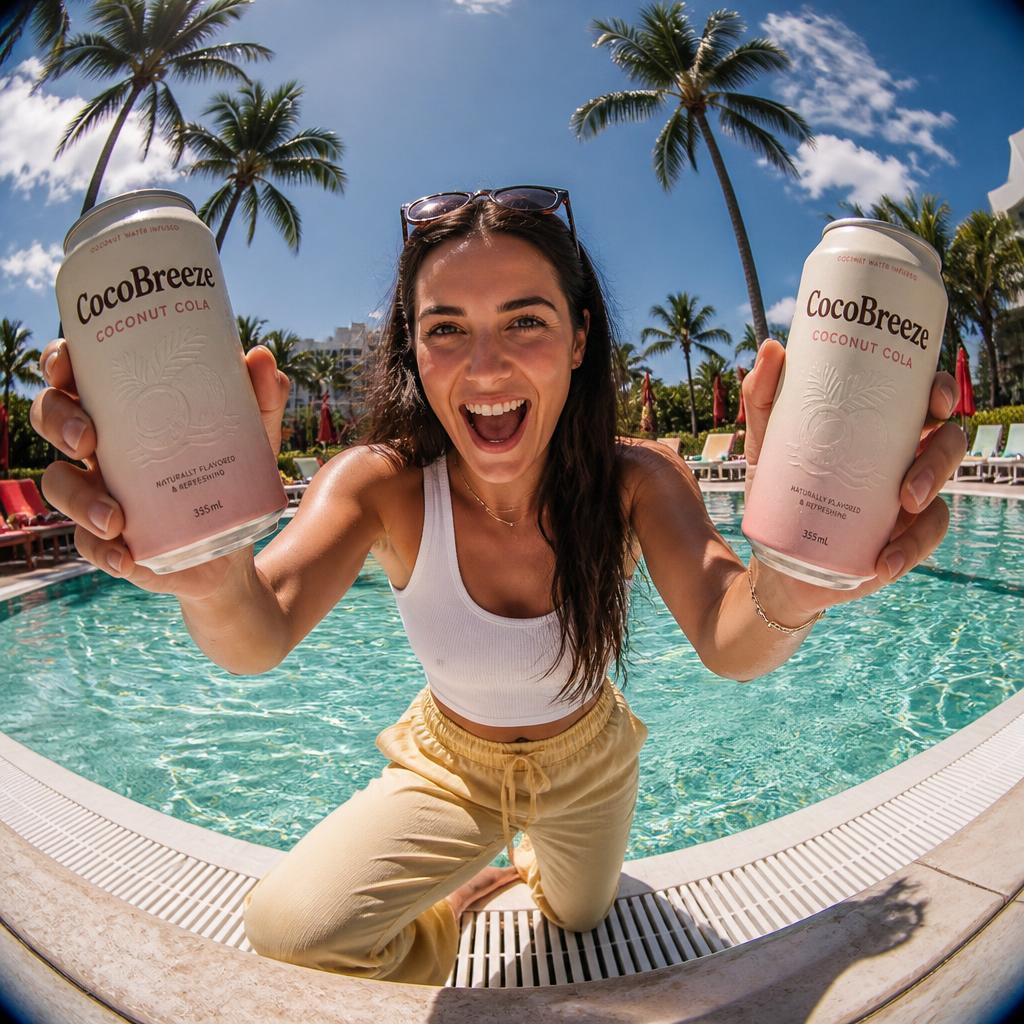
Natural-light lifestyle images for canned drinks and beverage brands.
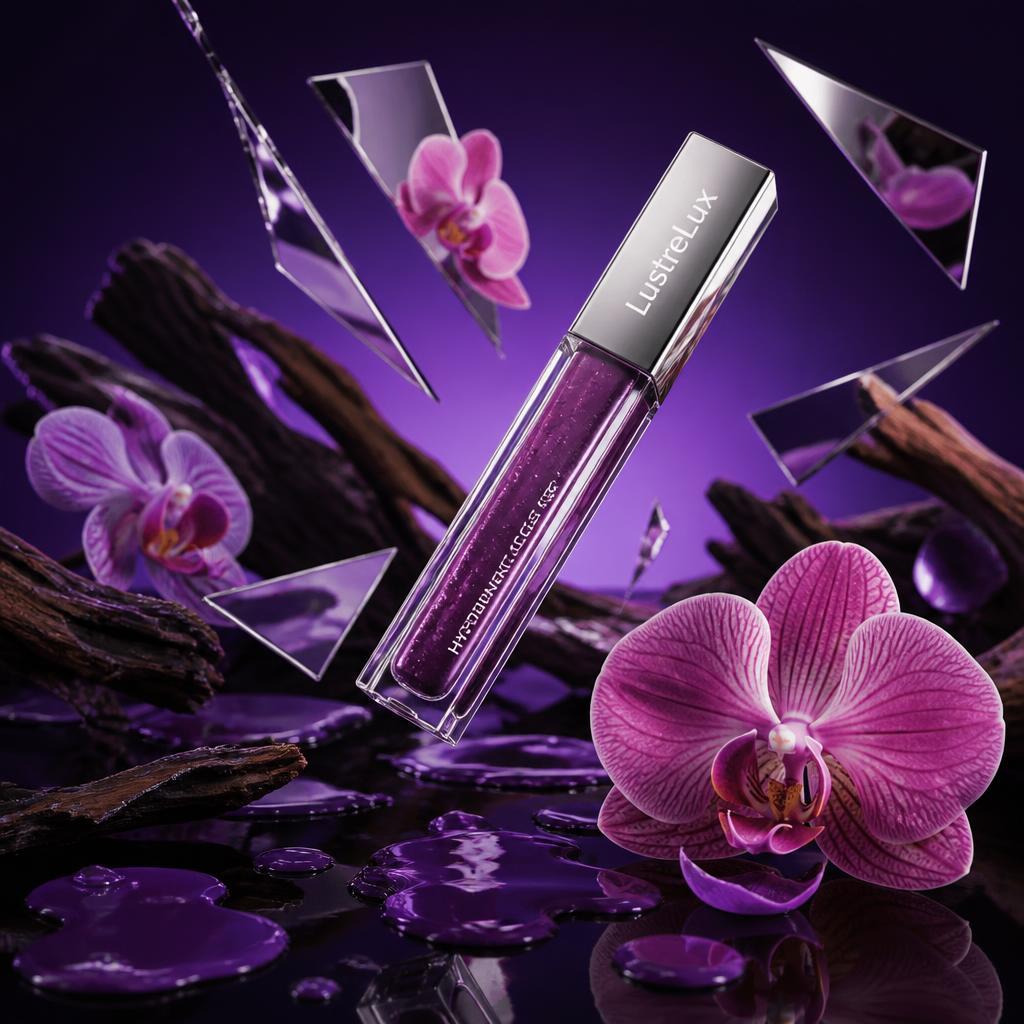
Surreal, artistic scenes for lip gloss and cosmetics ads.

Editorial fashion shoots for linen and womenswear collections.
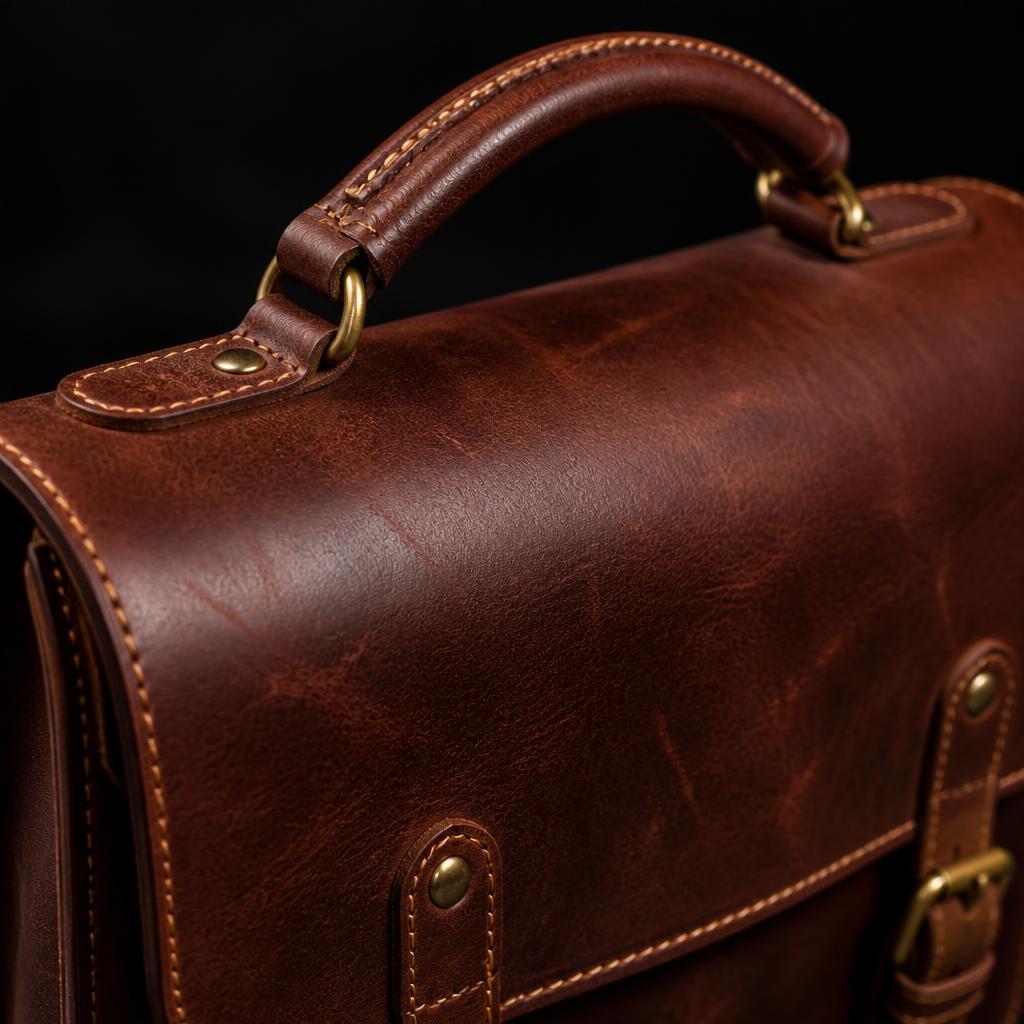
Dramatic studio and macro shots for bags and leather goods.
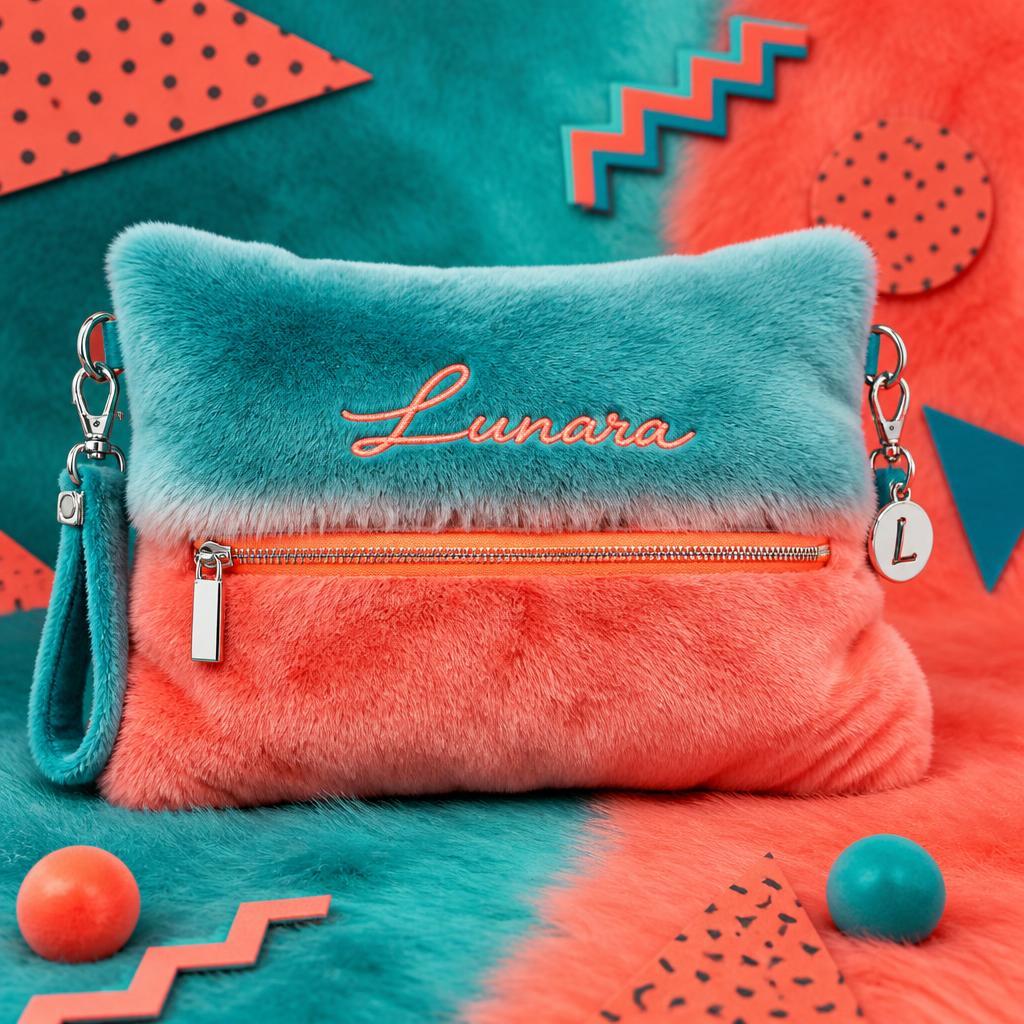
Bright pop art scenes for plush bags and playful accessories.

Dramatic portrait lighting for menswear and fashion brands.
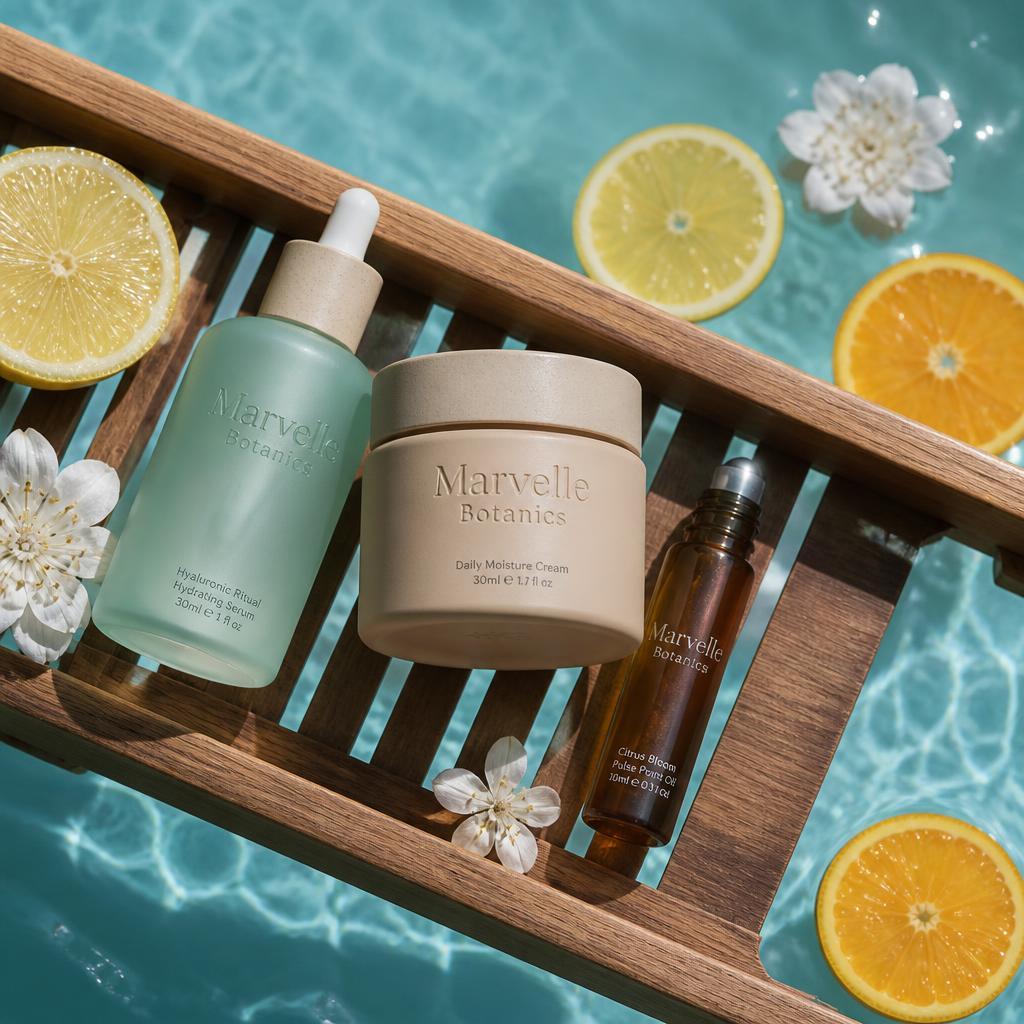
Bath tray flat lays for skincare and spa products.

Action photos for activewear and fitness brands.
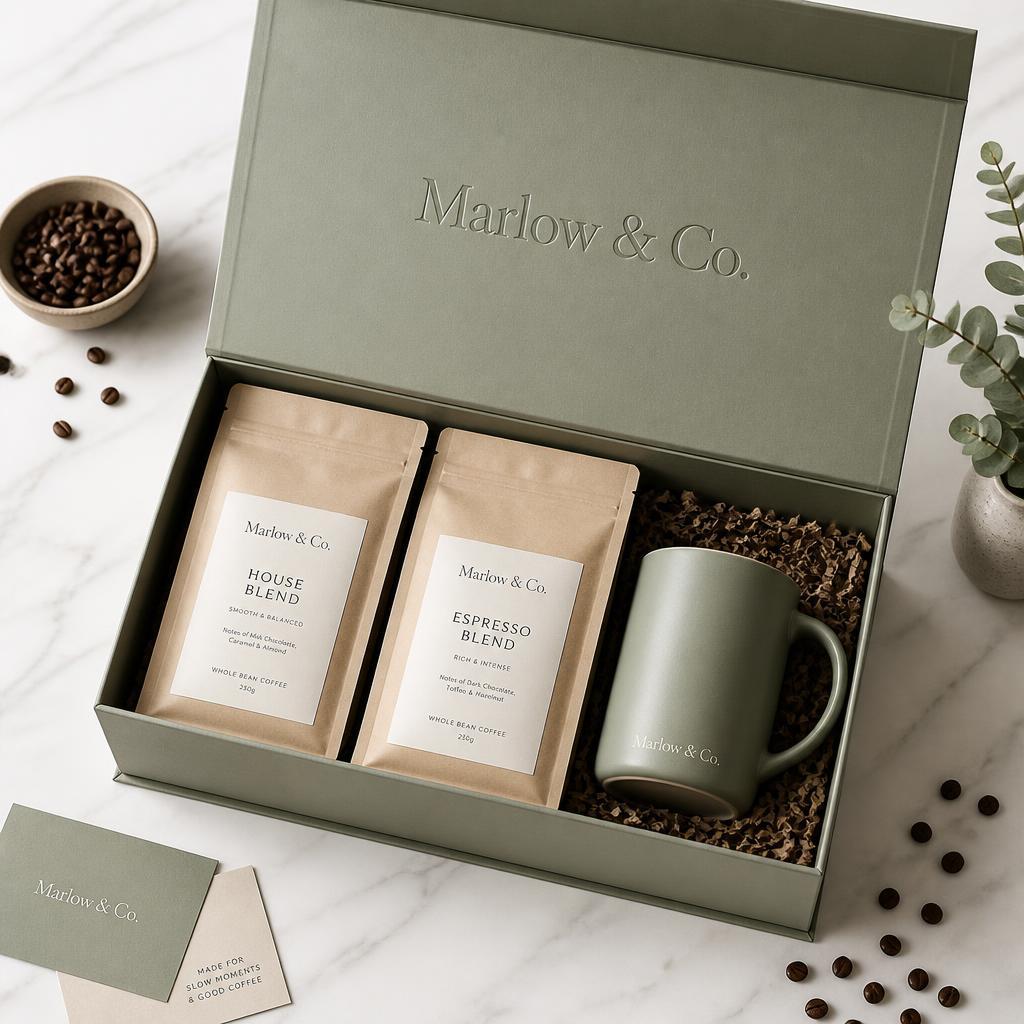
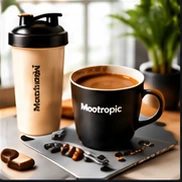
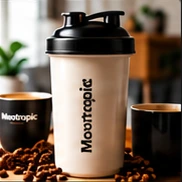
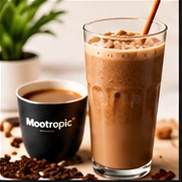
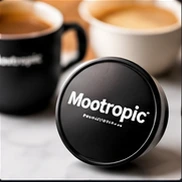
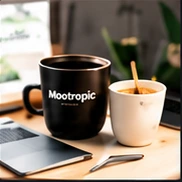
Café scenes for coffee, tea and drink brand images.
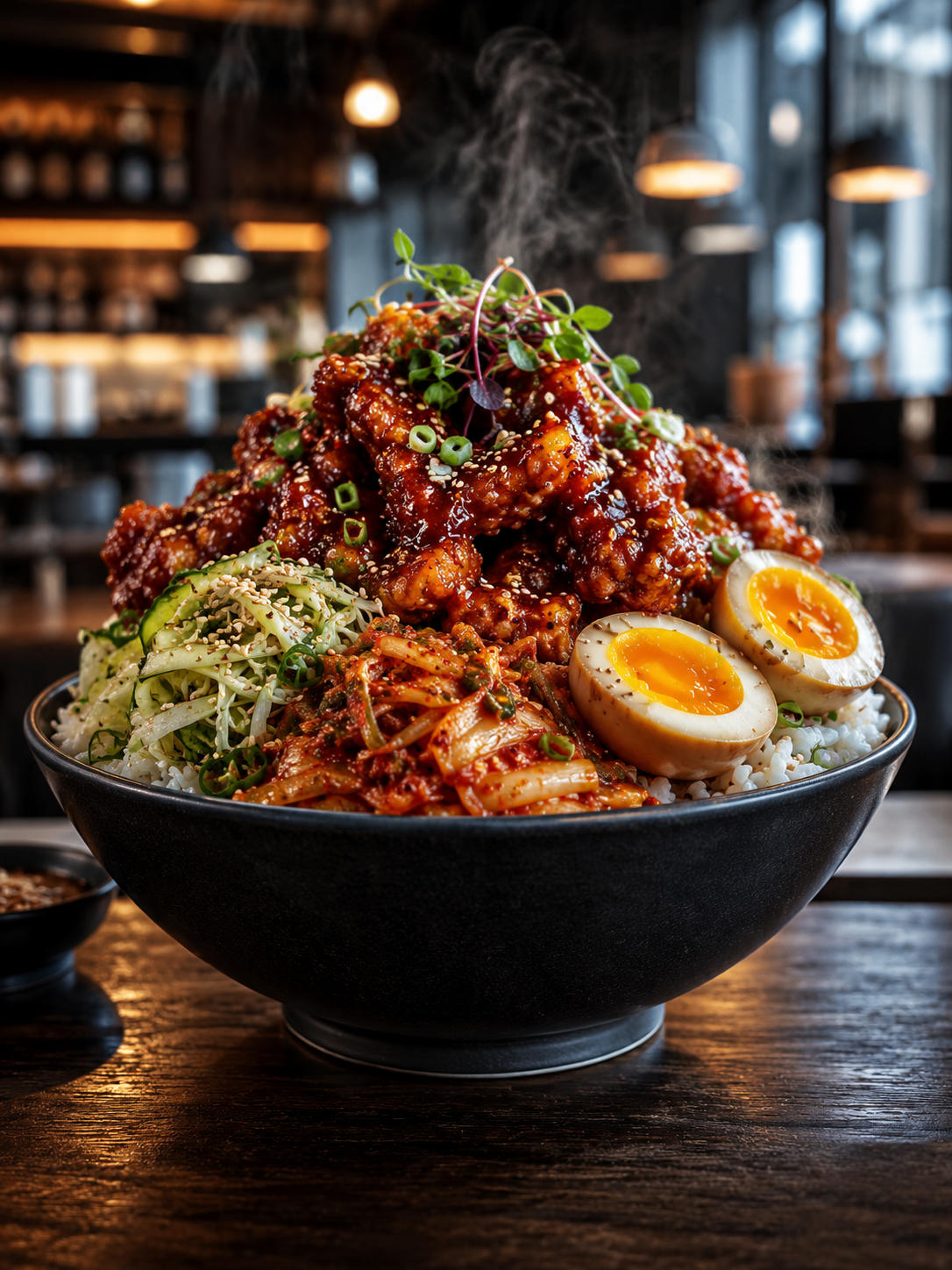
Ultra-realistic close-ups for restaurant menus and dish images.

Bright studio shots for luggage, travel and hardshell cases.

Many more templates available inside.
Everything your business needs to take content from just an idea to a polished final piece posted to all your channels.
Start writing with the research already done.
Good content starts with knowing what your audience already cares about, normally that's an hour of manual digging before you've written a word. This content research tool hands you a ready-made brief: competitors, key findings, snippets, statistics, questions, and a suggested outline, so you start writing already informed.
Start writing with the research already done.
Good content starts with knowing what your audience already cares about, normally that's an hour of manual digging before you've written a word. This content research tool hands you a ready-made brief: competitors, key findings, snippets, statistics, questions, and a suggested outline, so you start writing already informed.
Stay organized and get help when you want it. Publish better content more consistently.
Ask for help without leaving your draft.
Switching tabs to a separate chat mid-draft breaks your focus and loses your context. Ask the handy AI content assistant instead, without leaving your draft, and get answers that already know your brand.

You decide how much AI does.
Work through it with the AI agent one step at a time, or hand over the whole job. Either way, you review the draft before anything goes out.
Get found faster, and cited more often.
People now ask AI Overviews, ChatGPT, Gemini, Claude, Perplexity, Copilot and Grok, not just Google. Find the keywords they actually use, from Google Autocomplete and People Also Ask, and use them to write content that gets found and cited more often.
See it before it goes out.
Preview your post the way your audience will see it. Then confirm where it's going before you publish.
One account, every brand you run.
Add a workspace for each brand or business you manage. Each one keeps its own Brand Guide and connected platforms and social profiles, so nothing gets mixed up.
Stay organized, and never lose your work.
Images, prompts, snippets, and past content end up scattered across old drafts and folders. Keep everything you've made or saved in your library, ready to reuse in any new piece of content.
Pick up where you left off.
Drafts and past posts get lost across tabs and tools, so work gets abandoned or redone from scratch. Find, resume, or reuse anything you've made, all saved in one place.
Reuse your best prompts, keep notes with each draft, and publish to your connected platforms.
The first line decides whether anyone reads further, and it's one of the hardest lines to write cold. Get a set of scored, ready-to-use opening lines from the post hook generator, matched to your brand and built to stop the scroll.
Picking the right keywords doesn't help if you can't tell whether your finished article actually uses them. Keyword Coverage shows exactly where your target terms appear, and where they're missing, across your headline, intro, and body.
The prompts that actually work for you get buried in old chat threads and documents. Save any prompt, with its reference image if it has one, and reuse it instantly in any workflow.
Ideas and reminders come up mid-draft, but jumping to a separate notes app breaks your focus. Jot notes right next to your draft, saved automatically with the piece they're about.
Copy or export your drafts as Markdown or plain text. Articles and emails also export as HTML, ready for your own site or email tool.
Connect a WordPress site to publish or schedule articles without copying anything over. Or send content to any tool you use with a webhook.
Choose the level of control that fits how you work. Write it yourself, follow guided steps, or let AI handle it in a chat.
Write freely in a document-style editor, with AI help on tap. Best when you already have a clear idea of what you want to say.
Improve, shorten, expand, or rewrite your whole draft in one click.
Format text, add images, undo mistakes, and run AI edits from one bar.
Turn a rough draft into a clear, easy-to-scan post.
Drop images exactly where they belong in your post.
Select text to get quick edits right where you're working.
Add comparison tables and schedules without leaving your draft.

Create a 1,000-word article with keyword research included.
Go from idea to a publish-ready post provide an idea, URL or image to start.
Platforms and social profiles you can publish to currently, more on the way.
No AI training on your data your data and content is safe.
Plan, create and publish on-brand content across your channels, all from one workspace built for small businesses and sellers.
Selljam AI is an all-in-one AI marketing tool for small businesses. It helps you write articles, social media and LinkedIn posts, emails and sales pages in your brand's voice, then schedule and publish them to your connected platforms.
Start free trialTry a plan free for 7 days with 300 credits. Or skip the trial and start now with credit packs from $5.
Starter
$9/month
1,000 credits every month
Select StarterPro
$29/month
3,300 credits every month
Select ProMax
$79/month
9,300 credits every month
Select MaxBelow are some examples of what you can create with your credits.
Starter
$9/month • 1,000 credits
Pro
$29/month • 3,300 credits
Max
$79/month • 9,300 credits
Social posts + AI image
~500 word posts with a high-quality image included
45 credits each
Articles + AI image
~1,000 word articles with high-quality image included
60 credits each
Images
Fast quality at 1024 x 1024px size
15 credits each
Example usage
One way to use all your credits
10 posts
5 articles
16 images
~ 990 credits
30 posts
15 articles
70 images
~ 3,300 credits
90 posts
50 articles
150 images
~ 9,300 credits
Everything you need to know about Selljam AI.
Selljam AI brings your brand's content into one organized AI marketing tool. Create and manage articles, social and LinkedIn posts, emails, sales pages, and images, then review and publish to the major platforms you've connected.
Small business owners, sellers (including Shopify, Etsy, Amazon and WooCommerce sellers, retail stores and digital product sellers), content creators, freelancers, solo founders and service providers who handle their own marketing. It brings practical AI tools for small business marketing into one place.
The built-in AI marketing assistant works with your Brand Guide and helps you create content that aligns with your brand voice. Create, review, and publish from the same place without repeating your brand instructions in another tab.
It helps but is not required. Get topic ideas, or start with some basic details or a link you already have, then let Selljam AI handle the rest.
Your Brand Guide captures your voice and brand context and applies it to new drafts. You can review and edit each piece before it goes out.
Yes. Review, edit, or regenerate a draft before you publish or schedule it.
No. Connect each platform through its own secure login. Selljam AI never sees or stores your password.
Try the all-in-one AI marketing tool built for small businesses and sellers. Start a free trial and only pay for what you use.
Start free trial7-day free trial. Cancel anytime.